// ARCHITECTURE & PRINCIPLES
Designed for focus, speed & absolute privacy
Everything runs in memory and saves to your local browser storage. No accounts, no subscriptions, and zero remote tracking.
🛡️
Private by Design
No accounts, no tracking cookies, and no servers. The developer never sees or stores anything you create.
⚡
Instant & Offline-First
Bundled completely inside the extension, fonts included. Opens in its own app window from the toolbar, works without internet, and never lags.
✨
Neon Glass Aesthetic
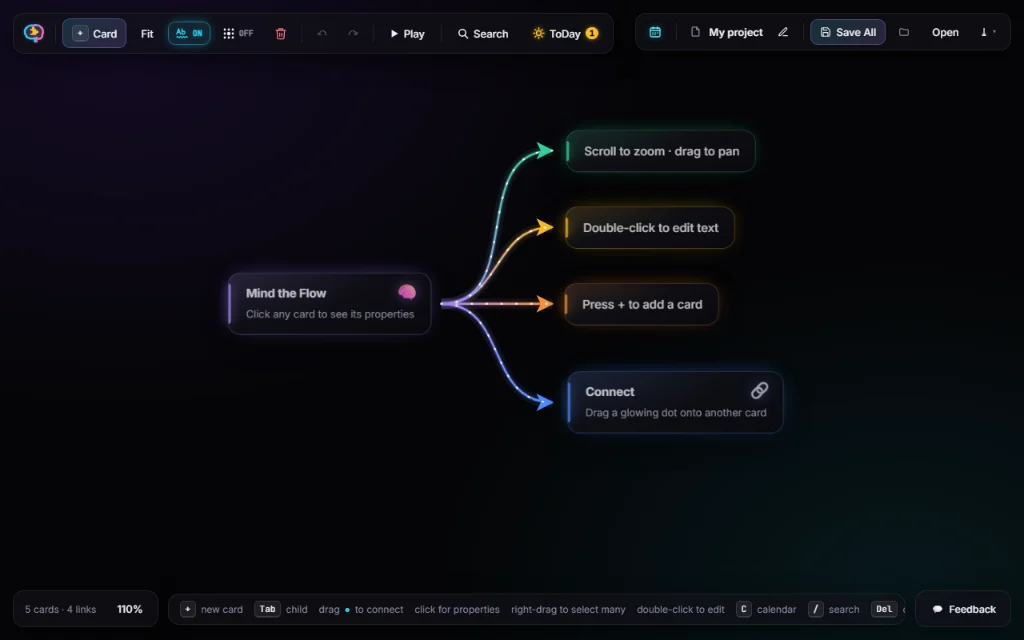
High-contrast dark mode with neon accents, animated Bézier flow arrows, subtle glassmorphism, and alternate Soft and Pink light themes.
🧠
Integrated Thinking
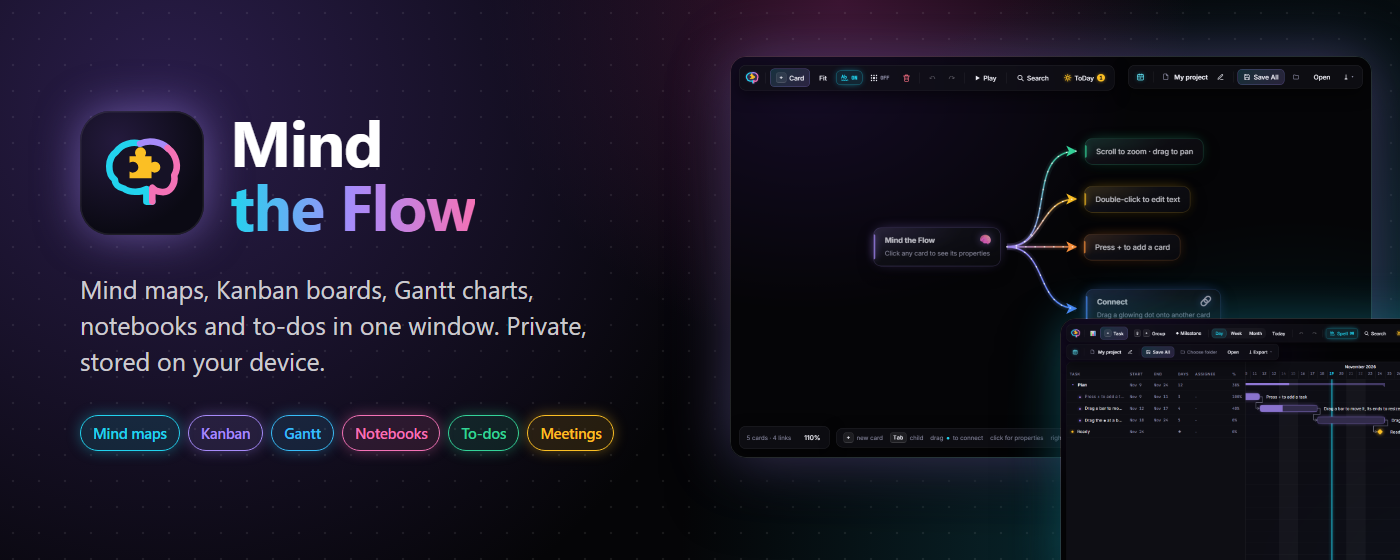
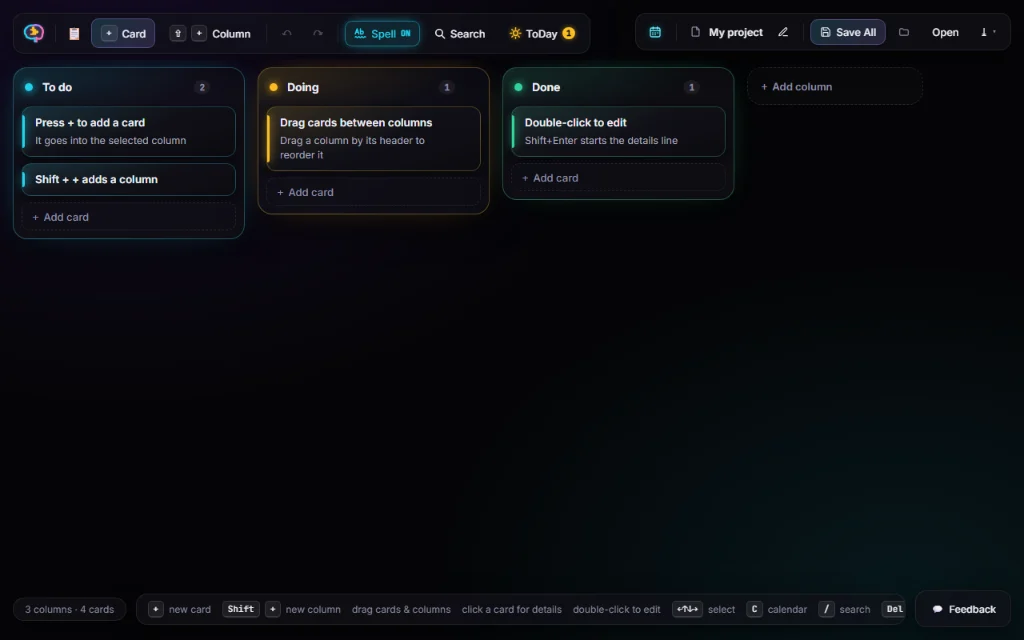
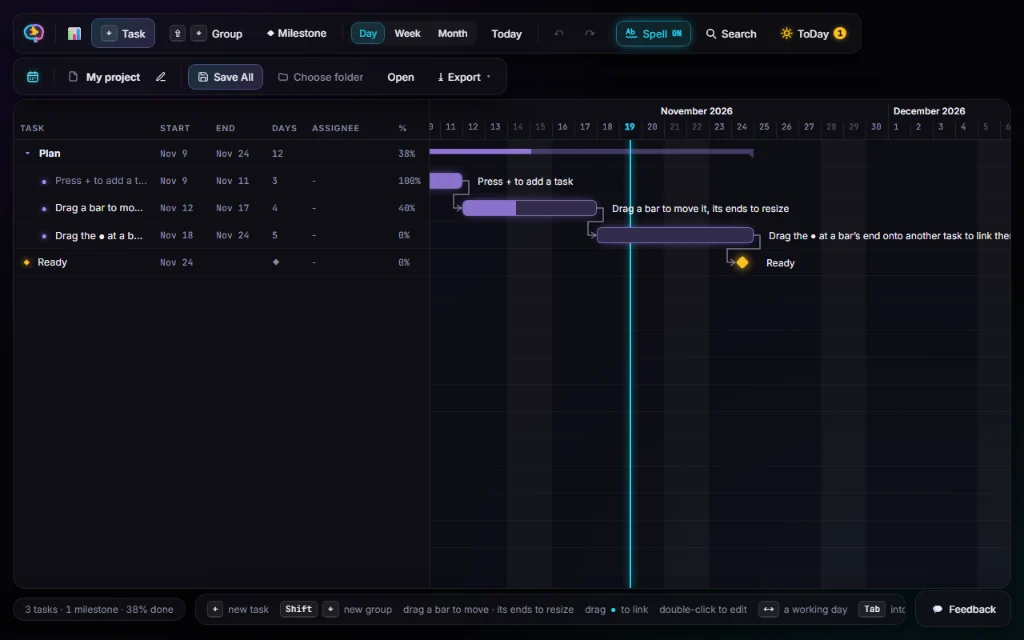
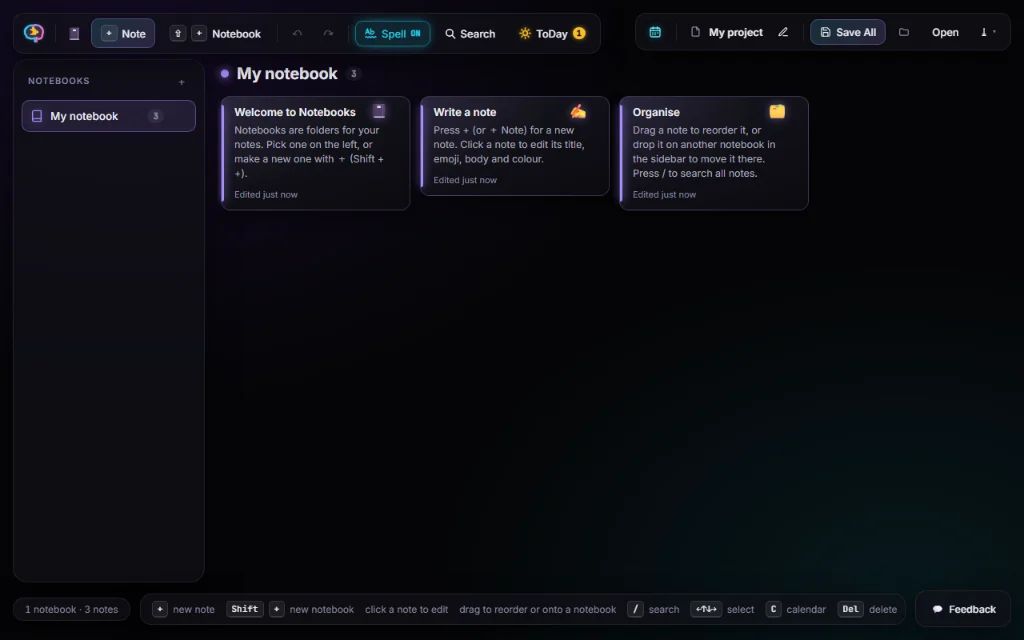
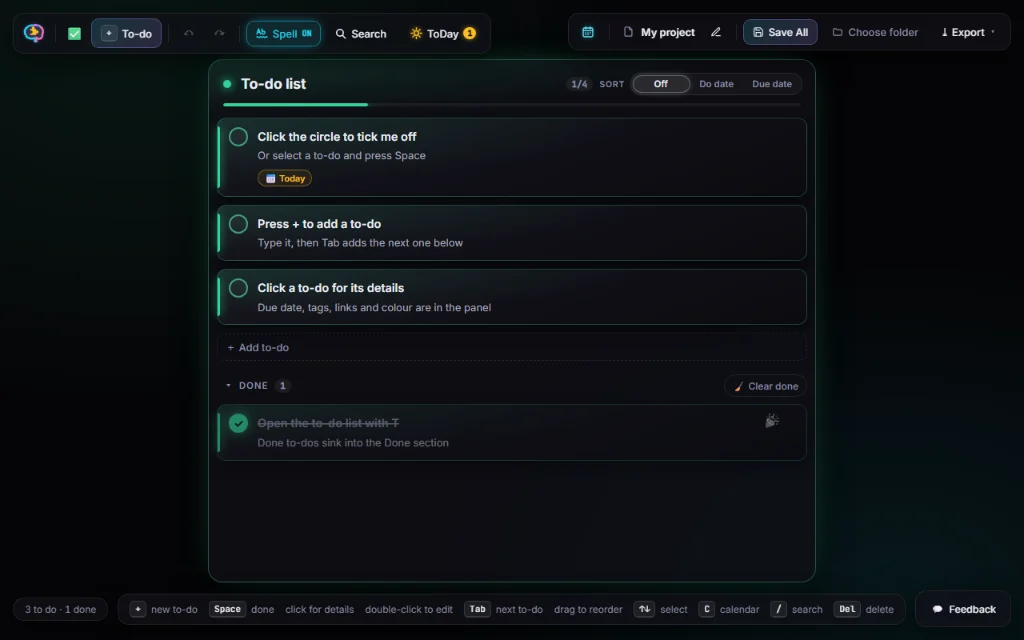
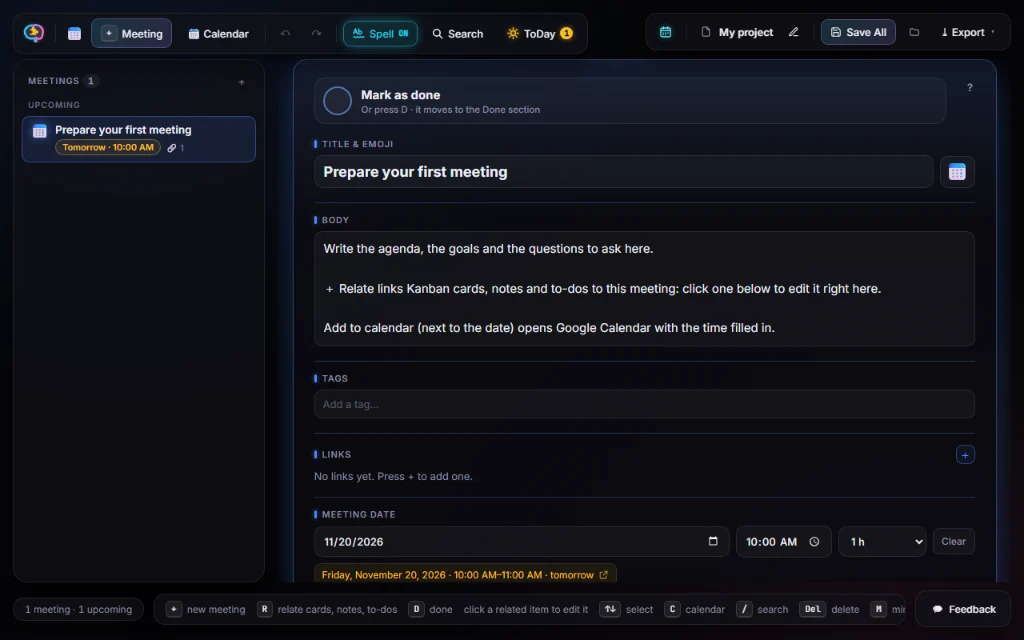
Switch effortlessly between mind maps, Kanban, Gantt charts, rich notebooks, to-dos, meeting prep and people notes. Relate any item to any other, across every view, and keep every map, board, notebook and chart one click away in Collections.
📆
Unified Calendar & ToDay
One shared calendar, in a window or full screen, surfaces every dated Kanban card, Gantt task, to-do, meeting, time off and holiday, and ToDay lists what is due today. Never lose track of deadlines across views.
💾
Portable File Control
Single-click Save All writes your whole workspace to one JSON file, with automatic backups. Every view has its own Export: PNG images, standalone HTML, CSV, Markdown and JSON.
🧰
Built-in Data Tools
JSON Fixer repairs broken JSON and marks every fix. CSV Fixer cleans spreadsheet exports and warns about Excel pitfalls. Base64 / URL encodes, decodes and reads JWTs. All on your device: nothing you paste is sent or saved.
🤖
Connect Your AI (optional)
Let your own AI app (Claude Desktop, Claude Code or another MCP app) read, search, add and change your maps, cards, notes, to-dos, meetings and people. It talks only to a small helper on your own computer and stays off until you turn it on. Mark any item “AI hidden” to keep it away from the AI; every change can be undone and deleting always asks you first. Your AI app handles what it reads under its own privacy terms.